
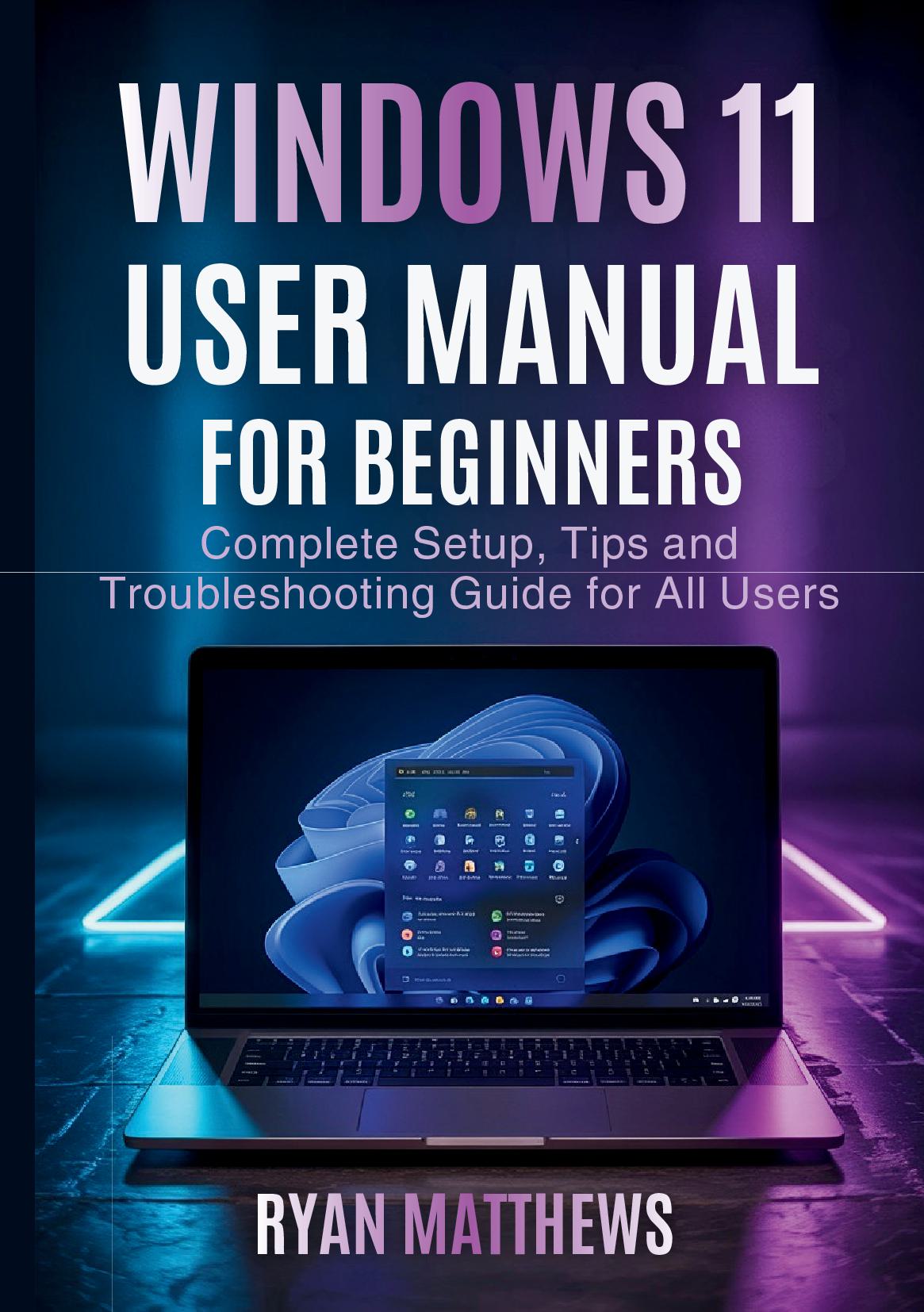
Description
Master Windows 11 with confidence using this comprehensive guide designed specifically for beginners and everyday users. Whether you're upgrading from Windows 10 or using Windows for the first time, this manual provides clear, step-by-step instructions that make learning easy and practical.
Inside this complete guide, you'll discover how to navigate the redesigned interface, customize your desktop for maximum productivity, and manage files like a pro. Learn essential skills including connecting to Wi-Fi networks, installing and removing software safely, setting up user accounts with proper security, and troubleshooting common problems before they disrupt your work.
This manual covers everything from basic navigation to advanced features like virtual desktops, snap layouts, and voice recognition. You'll master file organization, understand privacy settings, optimize system performance, and keep your computer running smoothly with proper maintenance techniques.
Written in plain English without confusing technical jargon, each chapter builds your knowledge progressively while serving as a handy reference for future questions. Real-world examples and practical scenarios help you apply what you learn immediately to your daily computing tasks.
Key topics include system setup and account creation, taskbar and Start menu mastery, file explorer navigation, network configuration, security best practices, productivity features, troubleshooting techniques, and performance optimization strategies.
Take control of your Windows 11 experience today – get your copy and transform from confused beginner to confident user in just days.
Details
Publisher - EliteGuide Publications
Language - English
Perfect Bound
Contributors
By author
Ryan Matthews
Published Date - 2025-12-01
ISBN - 9781291953855
Dimensions - 21 x 14.8 x 0.6 cm
Page Count - 104
Payment & Security
Your payment information is processed securely. We do not store credit card details nor have access to your credit card information.